In short: If your AirTouch screen is not turning on, your Gold Coast air conditioning system hasn’t necessarily failed. The screen is only the remote control for your ducted system. First, check whether air is still coming from the vents and whether the AirTouch app still works. Then check the switch next to the outdoor unit and the breaker in your switchboard, and hold the screen’s power button for up to 10 seconds. If the screen is still blank, or the breaker keeps tripping, stop there and book a technician.
Table of contents
You walk past the wall panel that runs your air conditioning and the screen is black. It’s easy to assume the whole system has died. Often, it hasn’t.
If your AirTouch screen is not turning on, the problem is usually the screen itself, or the power going to it. The air conditioner behind it may be perfectly fine. This guide explains how to tell the difference, which checks are safe to do yourself, and where DIY should stop.
It’s written for homeowners and for business owners, including offices, clinics, shops and hotels. You don’t need any air conditioning knowledge to follow it.
Quick answer: First, check whether air is still coming out of your vents. Then check the air conditioning switch near the outdoor unit and the breaker in your switchboard. Next, hold the power button on the side of the screen for up to 10 seconds. If the screen stays blank after that, book a technician.
What AirTouch does in a ducted system
Most homes and many businesses on the Gold Coast use ducted air conditioning. One large indoor unit sits hidden in the ceiling. Hidden pipes carry the air to vents in each room.
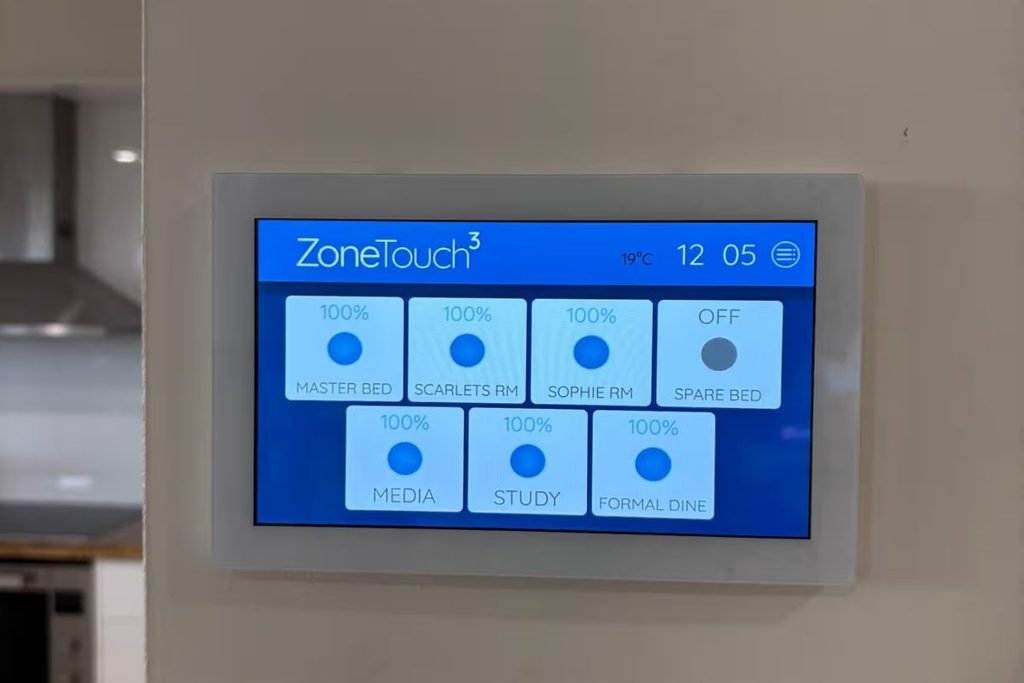
AirTouch is the control system that sits on top of this. It’s made by Polyaire, an Australian company, and has two main parts:
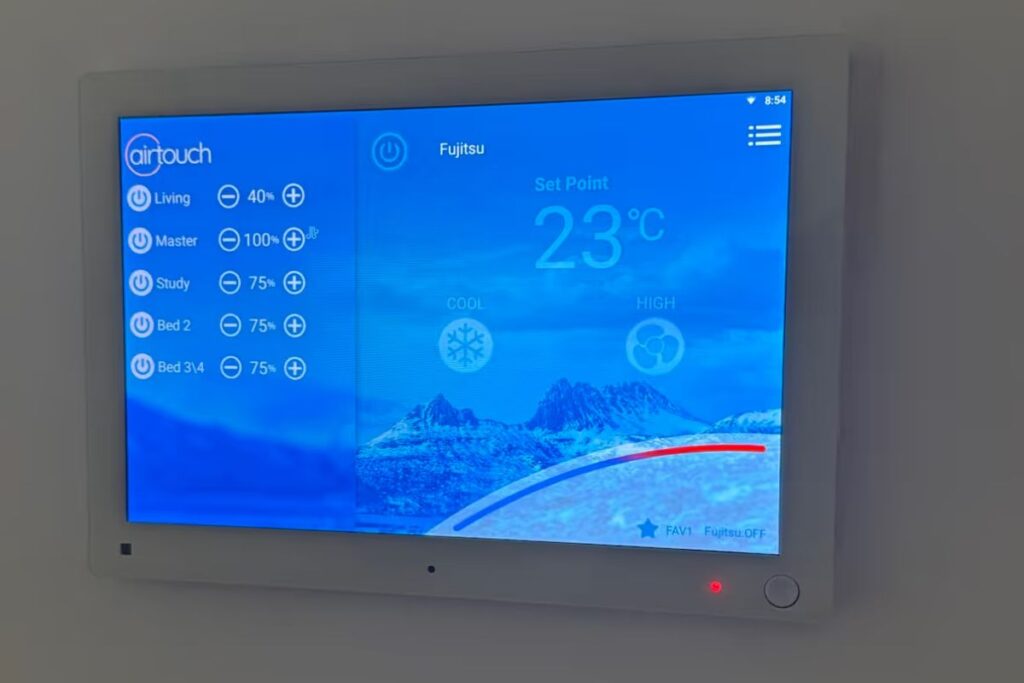
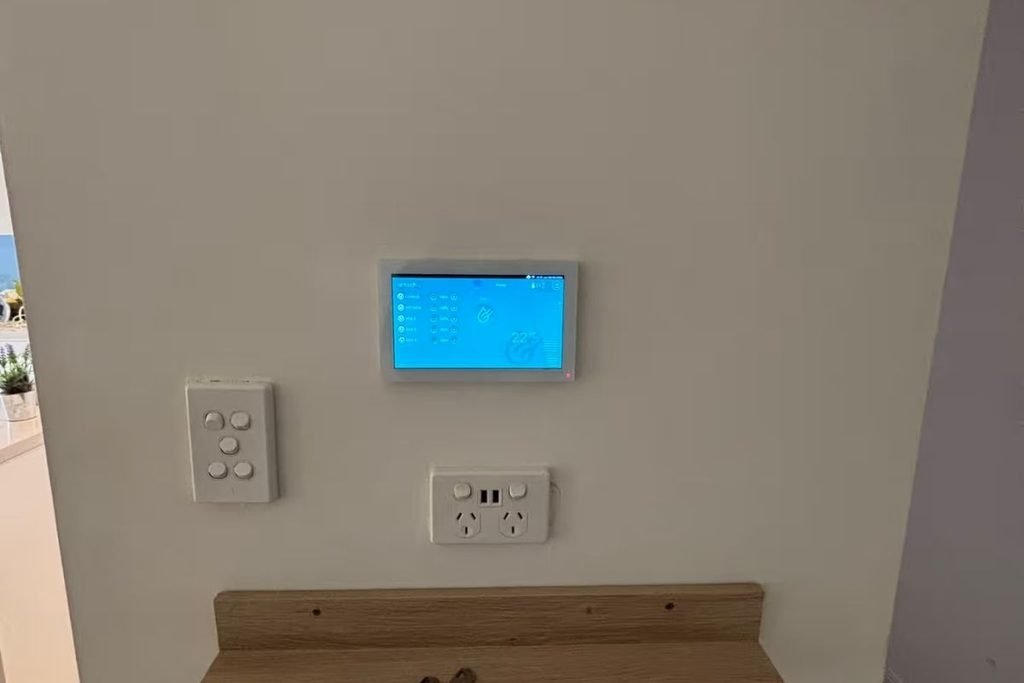
- The wall screen. A touchscreen, similar to a small tablet, that you use to switch the system on, set the temperature and choose which rooms get air.
- The control box. A separate box, usually in the ceiling near the indoor unit. It takes your instructions from the screen and passes them to the air conditioner.
The feature most people use every day is zoning. Zoning simply means choosing which rooms or areas get air. At home, you might cool the bedrooms at night and leave the living area off. In an office, you might run the meeting rooms only when they’re booked.
The key point: the screen is the remote control, not the air conditioner. A dead remote doesn’t mean a dead TV.
Screen blank vs system not running: How to tell which one you have
Before you touch anything, work out which problem you actually have. These three questions usually answer it.
1. Is air still coming out of the vents?
Hold your hand up to a vent. If cool or warm air is flowing, the air conditioner is running. The problem is almost certainly the screen or its power.
2. Is the outdoor unit running?
Go outside and look at the large metal box with a fan in it. If the fan is spinning and you can hear it humming, the system has power.
3. Does the AirTouch app still work?
If your system is set up with the AirTouch app, open it on your phone. If you can still turn rooms on and off, the system is working. Only the wall screen has the problem.
Here’s what your answers usually mean:
| What you notice | What it likely means |
|---|---|
| Screen blank, but air is flowing | Screen problem only. The system is fine. |
| Screen blank, app still works | Screen or its power supply has a fault. |
| Screen blank, no air, outdoor unit silent | Power isn’t reaching the system. Check the switches below. |
| Screen works, but no air comes out | This is a different fault. Book a technician. |
For businesses, this distinction matters. If air is still flowing, you’re not facing an emergency shutdown. You can usually keep trading while a repair is booked.
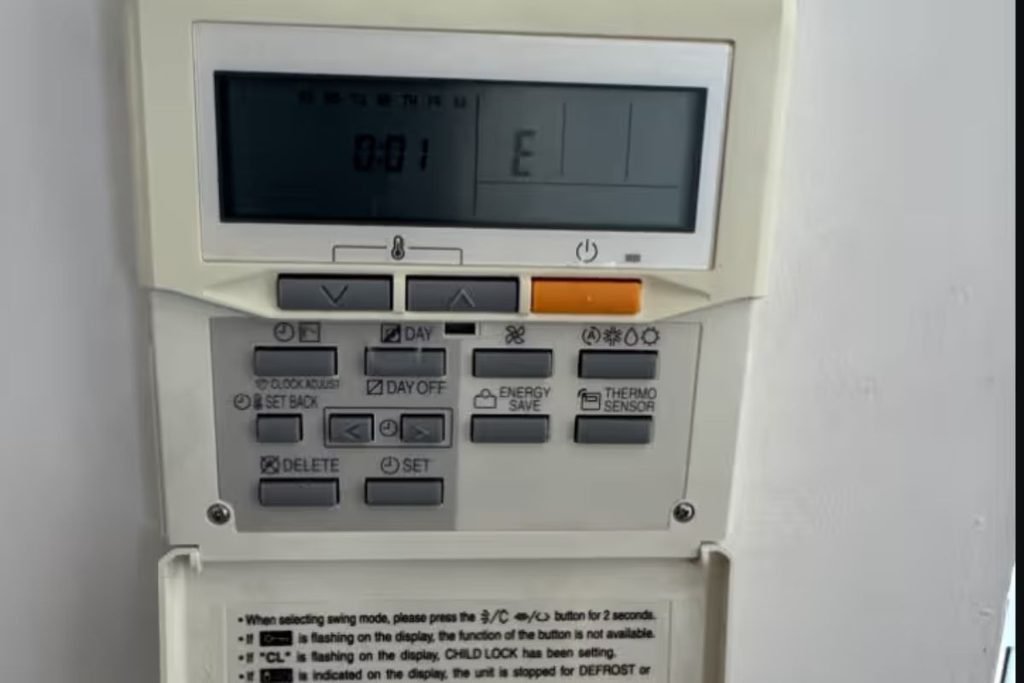
Safe checks for owners
These checks are safe for anyone to do. They don’t involve opening panels, touching wiring or climbing into the ceiling.
1. Check for a wider power cut
Are the lights and other power points working? If the whole building or street is out, wait for power to return. The screen should come back on its own.
2. Check the isolator switch near the outdoor unit
An isolator is a simple on/off switch for your air conditioner. It’s usually a grey or red switch box mounted on the wall beside the outdoor unit.
Make sure it’s in the ON position. Sometimes it gets knocked off by a gardener, a pressure cleaner or a curious child.
3. Check the circuit breaker in your switchboard
Your switchboard (sometimes called the fuse box) has rows of small switches. One is usually labelled “air con” or “A/C.”
If it has flipped down to OFF, switch it back up once. If it flips off again straight away, leave it off and call us. A breaker that keeps tripping is a safety warning, not something to keep resetting.
4. Restart the screen
AirTouch screens have a small power button:
- AirTouch 5: on the right-hand side of the screen. Hold it for 2 to 10 seconds.
- AirTouch 4: in the lower right-hand corner. Hold it for about 10 seconds.
This is like restarting a frozen phone. According to AirTouch, your settings and schedules are kept.
5. Power cycle the whole system
If the screen is still blank, turn the air conditioning off at the isolator or breaker. Wait at least 30 seconds, then turn it back on. This fully resets both the screen and the control box.
6. Check the app connection
If you use the AirTouch app and it’s stopped connecting, check your Wi-Fi is working. A recent modem change or a new Wi-Fi password is a common cause. The app then needs to be reconnected to the new network.
Where DIY stops
Stop and call a technician if:
- The breaker trips again after you reset it
- You notice a burning smell, scorch marks or buzzing near the screen or switchboard
- The screen stays blank after a restart and a power cycle
- The screen flickers, freezes repeatedly or shows garbled images
Please don’t remove the screen’s wall plate, open the switchboard cover or go into the ceiling. The screen runs on its own low-voltage power supply wired back to the system. Any wiring work needs a licensed technician or electrician.
Common faults a technician finds
When the safe checks don’t fix it, the cause is usually one of these.
A failed power supply. The screen gets its power from a small adaptor, a bit like a phone charger, that’s wired into the system. These can fail with age or after a power surge. Storm season on the Gold Coast is a common trigger.
Loose or damaged wiring. The screen talks to the control box through a cable in the wall or ceiling. That cable can work loose, get damaged during renovations, or be chewed by rodents. We see pest damage in Gold Coast ceilings more often than most people expect.
A failed screen. The AirTouch screen is essentially a small tablet running full-time on your wall. Like any tablet, it can eventually fail. If it’s under warranty, the manufacturer may replace it. We can help with that process.
A fault in the control box. Less common, but possible. If the control box has failed, neither the screen nor the app will control the system.
A technician can test each part in turn and pinpoint the problem. This avoids replacing parts that are still working.
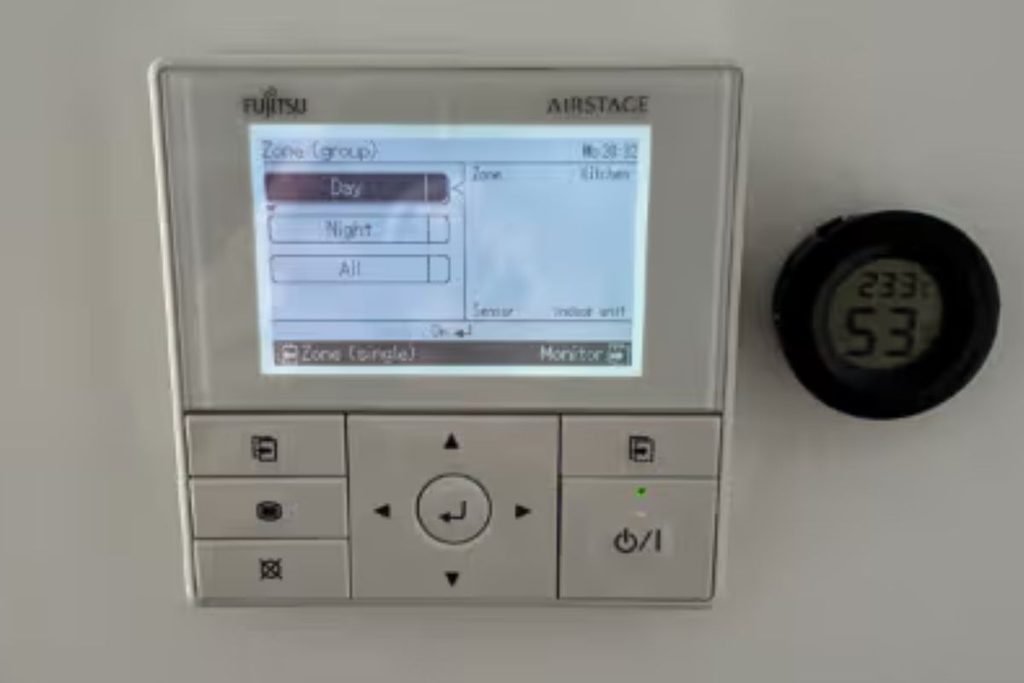
Why we check controllers during a six-month service
Most people think of an air conditioning service as cleaning filters and checking the cooling. That’s a big part of it. But the controller is how you actually use your system every day, so we check that too.
During a service, our technicians:
- Confirm the screen switches on, responds to touch and controls every zone
- Check each zone opens and closes the way the screen says it does
- Look for loose connections, worn cables and signs of pests near the wiring
- Make sure the app is connected, if you use one
Catching a failing power supply or damaged cable early is cheaper and easier than an emergency call-out. That’s especially true in summer, when technicians across the Gold Coast are booked out.
For businesses, a controller fault can mean staff can’t adjust the temperature, or every zone runs all day when only a few rooms are in use. That quietly adds to your power bill. A regular service picks this up before it becomes a complaint or a cost.
DEEPCHILL has looked after Gold Coast air conditioning since 1986. We’re a two-time Fujitsu/GENERAL National Dealer of the Year (2024 and 2025). Our technicians service and repair ducted systems every day, in homes, offices, clinics and commercial buildings.
Book a ducted service or repair
If your AirTouch screen is still blank after the safe checks, or you’d rather not risk it, we can help.
- Screen not working now? Book a ducted air conditioning repair on the Gold Coast and we’ll diagnose the fault and fix it.
- Due for a check-up? Book an annual air conditioning service. We’ll check your controller, zones and the whole system before summer.
Tell us what you’ve already tried when you book. It helps our technician arrive prepared.